
Use Microsoft's Accessibility Checkers
Microsoft has made great strides towards accessibility. They include accessibility checkers in many of their programs. The steps for most programs are included in this how-to.
Step-by-step guide
Navigate to the Review menu or tab.

Select Check Accessibility.

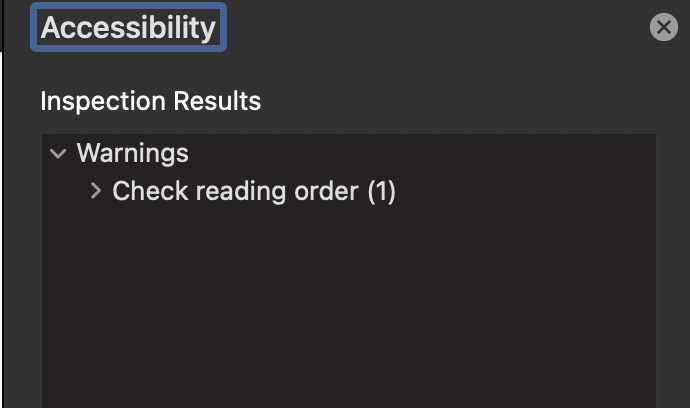
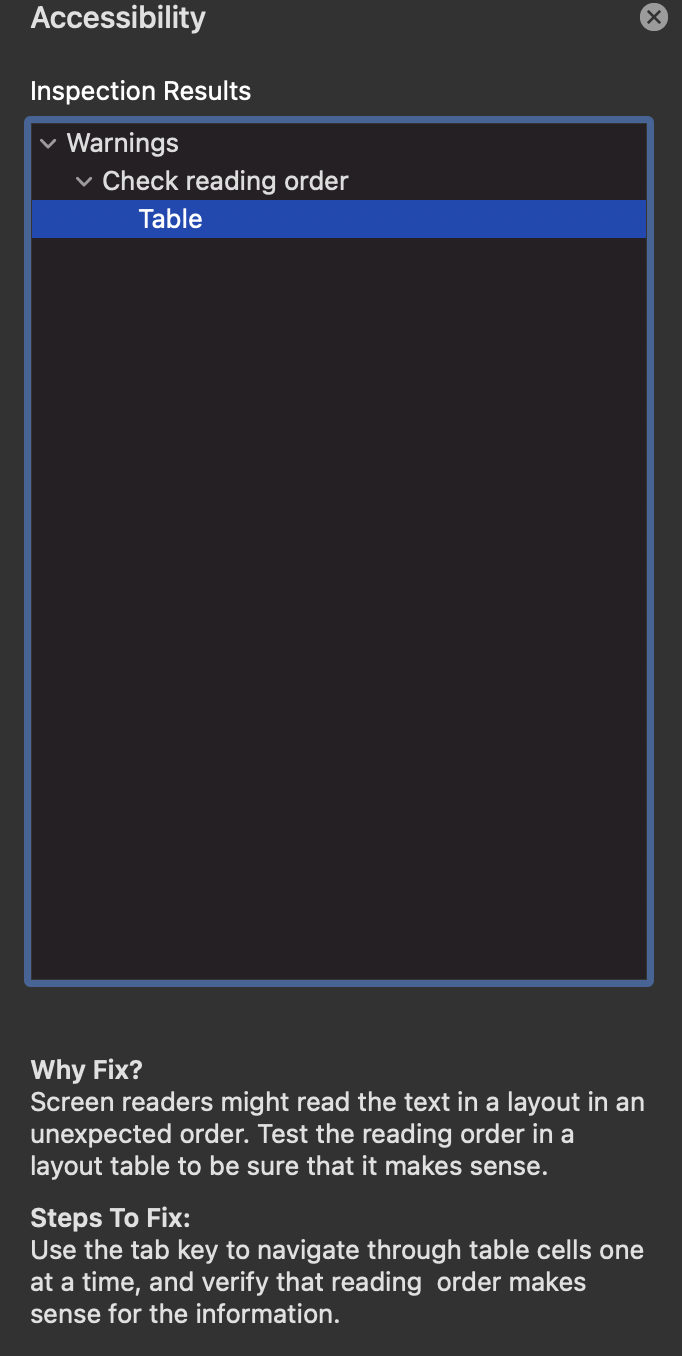
Click through issues to resolve them in the Accessibility Pane which will also include steps to fix the issues and reasons to fix the issues.
Stumped? Go to Microsoft's instructions for finer detail, Google your question effectively and efficiently, or ask the accessibility team!


Related articles
<!-- Related articles appear here based on the labels you select. Click to edit the macro and add or change labels. -->