
View Panopto Quiz Results
It is possible to insert quizzes within a Panopto video. This page explains how to see the results of the quiz.
- Login to Panopto at panopto.swarthmore.edu.
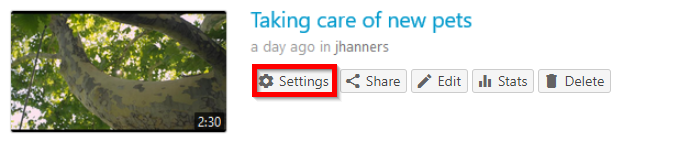
- Hover over the video with the embedded quiz (should display menu options).
- Click on Settings.
- Click on the Quiz Results tab.
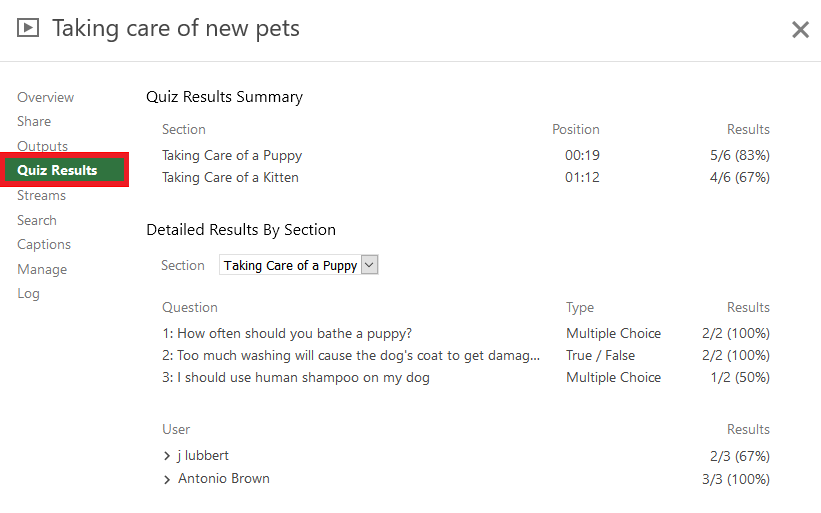
- Review results summary or download a copy. The downloaded file is in CSV format.



Read more about Panopto Quiz Results from Panopto's support documentation.